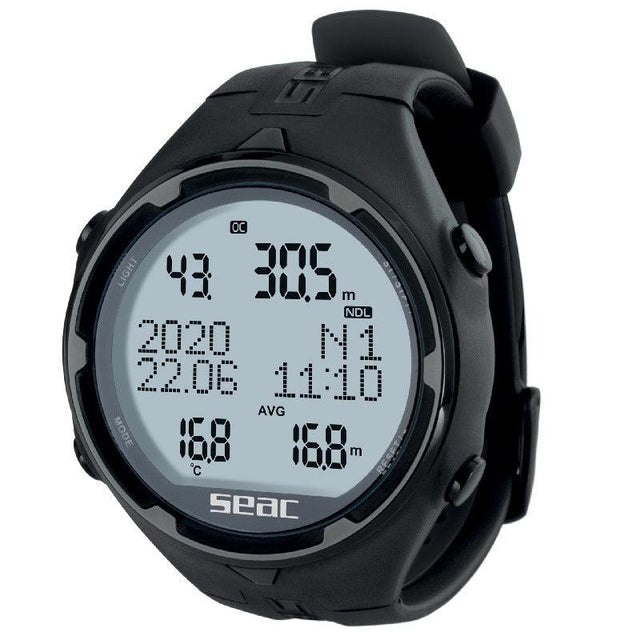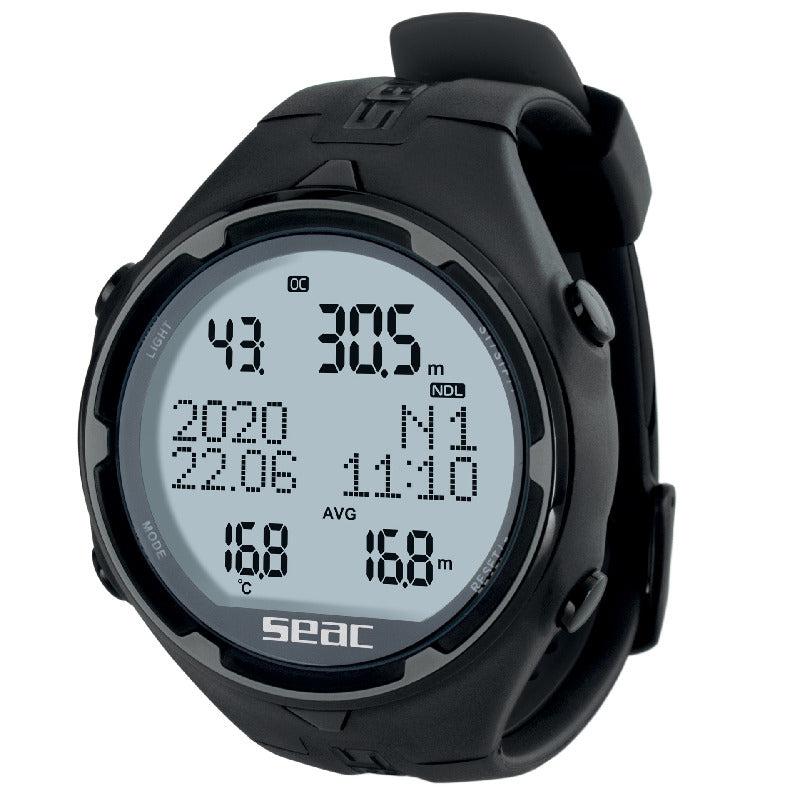
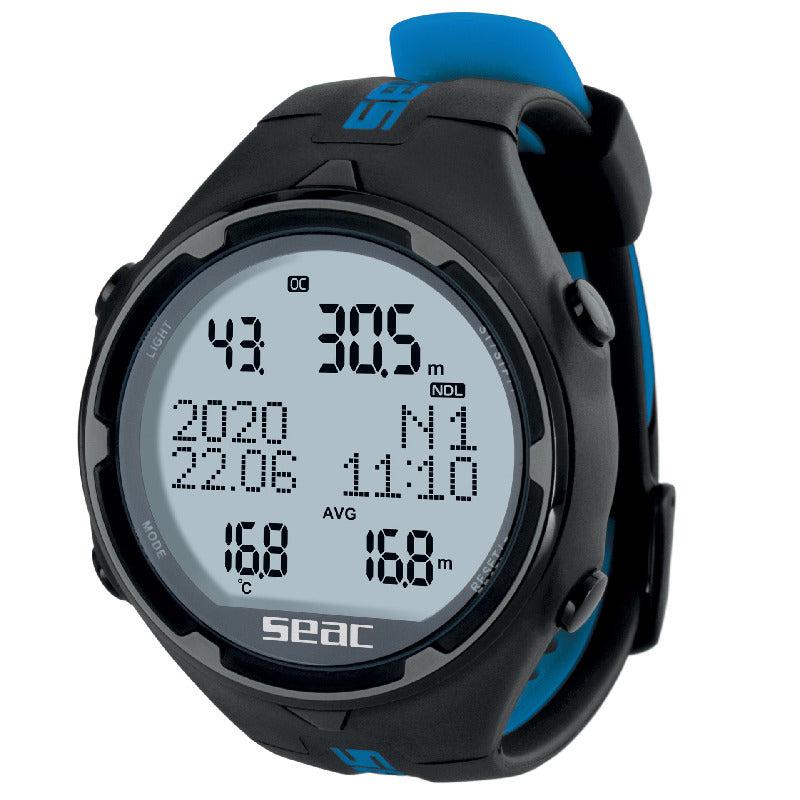


Seac Action HR Dive Computer
In stock — ships from Irvine, CA
This item is currently on backorder. Order now to reserve yours, and we will ship it as soon as it is back in stock.
Seac Action HR Dive Computer - Black is backordered and will ship as soon as it is back in stock.
Pickup available at In Store
Usually ready in 1 hour

-
DiveCatalog.com Quick Dry Multi Accessory Dive Gear Hanger for Boots, Gloves, Hood
$22.95$2.30
-
DiveCatalog Comfo-Bite Silicone Mouthpiece for Scuba Diving Regulators Black
$19.95$2.00
-
DiveCatalog Essentials - BCD and Regulator Hanger for Scuba Diving
$19.95$2.00
-
DiveCatalog Scuba Essentials - Wetsuit Hanger for Scuba Diving, Snorkeling, and Surfing
$19.95$2.00
-
DiveCatalog.com Underwater Pointer Tool
$18.95$1.90


-
DiveCatalog Hose Clamp for Scuba Diving - Scuba Essentials
$17.95$1.80
-
DiveCatalog Neoprene Mask Strap Cover
$17.00$1.70
-
DiveCatalog.com Basic Black Silicone Snorkel
$14.95$1.50
-
DiveCatalog Silicone Scuba Octopus Mouthpiece with Color Tab & Regulator Tie – Comfortable, Leak-Free Dual Color
$14.95$1.50
-
DiveCatalog Silicone Mouthpiece Replacement w/ installation - Scuba Essentials
$14.95$1.50
-
DiveCatalog.com Regulator Necklace
$11.95$1.20
-
DiveCatalog.com Water Activated LED Signal Light - Green
$11.95$1.20
-
DiveCatalog x Stream2Sea Mask Defog, Flip Cap Bottle, 2 oz
$9.95$1.00
-
DiveCatalog Fin Strap and Scuba Dive Accessory Holder Scuba Accessory Essentials
$9.95$1.00
-
DiveCatalog.com Dry Box with Lanyard
$9.95$1.00
-
DiveCatalog x Stream2Sea Mask Defog Spray, 2 oz
$9.95$1.00
-
DiveCatalog Female Quick Release Clip with Bungee cord for Scuba Accessory Essentials
$8.99$0.90
-
DiveCatalog.com Fin Holder
$7.95$0.80
-
DiveCatalog.com Scuba Mouthpiece Cover
$7.95$0.80
-
Multi-Purpose Clip with Male and Female Quick Release Clip and Bungee Cord Scuba Accessory Essentials by DiveCatalog
$5.95$0.60
-
DiveCatalog Scuba Essentials - PVC Tank Valve Protector for Scuba Diving Tanks
$5.95$0.60
-
Whistle with Lanyard in Orange by DiveCatalog
$5.00$0.50
-
DiveCatalog.com Stainless Steel 2 Inch Webbing Keeper with Serrated Teeth Weights
$1.95$0.20
-
DiveCatalog.com Weight Keeper Stopper - Black
$1.45$0.15


Payment & Security
Payment methods
Your payment information is processed securely. We do not store credit card details nor have access to your credit card information.
Save with Open Box or Used Purchase

Open Box Seac Action HR Dive Computer
Sale price $291.20 Regular price $364.00Unit price

Product Information
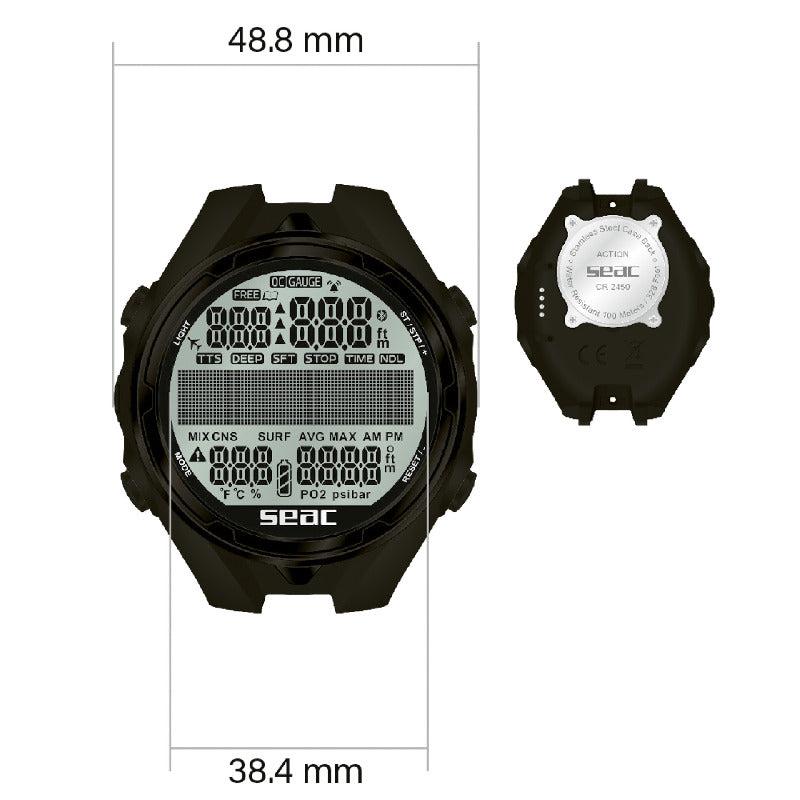
Seac Action HR Dive Computer is a wrist-mount computer designed for scuba and freediving, providing clear, on-wrist data for dive planning and real-time monitoring as part of your diving gear.
Three main modes cover the needs of divers: SCUBA mode manages recreational dive profiles with a Bühlmann ZHL-16C algorithm and supports 1 or 2 mixes (air, Nitrox, and O2 up to 99%). GAUGE mode functions as a depth gauge and stopwatch for standalone dive planning, and FREEDIVING mode tracks dive/surface time with current and maximum depth.
Memory and safety: logbook memory includes up to 40 hours in SCUBA mode and 18 hours in Freediving mode with regular dive records; safety alarms cover MOD exceeded, deco stop violations, ascent speed, NoFly time, and desaturation calculations, plus an altitude warning and an NDL-only Dive Planner. A Dive Manager software for Mac/PC (Windows 10 required) lets you review dives, and data can be downloaded via USB cable (sold separately).
The device features an ultra-durable structure with improved resistance to blows, corrosion, and temperature swings, along with an LCD screen with contrast and adjustable backlighting and a long-lasting CR2450 battery. The Seac Action line is available in two variants: ACTION with stainless steel crown, buttons, and buckle, and ACTION HR with HR-treated case.
- Wrist-mount diving computer for scuba and freediving in a compact, easy-to-use package
- SCUBA MODE provides full control of dive profiles with Bühlmann ZHL-16C for 1 or 2 mixes and 40h/records
- GAUGE MODE offers a depth gauge and stopwatch for independent dive planning
- FREEDIVING MODE tracks dive/surface time and depth with logbook memory
- Safety alarms include MOD exceeded, deco stop violated, ascent speed, NoFly time, desaturation, and altitude warning
- NDL Dive Planner for no-decompression limit planning
- Dive Manager software for MAC/PC (Windows 10 required) with USB data download option
- Durable design with improved resistance to blows, corrosion, and temperature swings; LCD with backlight and adjustable contrast
- Battery powered by a long-lasting CR2450
- Variants include ACTION (stainless steel crown, buttons, buckle) and ACTION HR (HR-treated)
Easy to use, with 3 main modes:
⚠️ WARNING: This product contains chemicals known to the State of California to cause cancer, birth defects, or other reproductive harm. For more information, visit www.P65Warnings.ca.gov.
Frequently Asked Questions
Why do I need my own dive computer?
A dive computer tracks the actual depth and time profile you have dived and the tissue loading that follows from it, which is personal to you. A rented computer has no record of your recent diving, and swapping models each trip means relearning the display and menus when you should be focused on the dive. Owning one you know well is a genuine safety and comfort improvement.
Can two divers share one dive computer?
No. A computer only tracks the profile of the diver actually wearing it, and even buddies who stay together do not follow identical depth and time profiles. Every diver needs their own computer, and passing one between divers or between dives is unsafe.
What does conservatism mean on a dive computer?
Conservatism settings make the computer's calculations more cautious, shortening allowed bottom times and adding margin beyond the base algorithm. Divers commonly add conservatism for factors such as cold, hard work, fatigue, or repetitive multi-day diving. How and when to adjust it is covered by your training and your computer's manual, so set it before you get in the water and follow what your computer tells you during the dive.
What kind of battery does a dive computer use?
Broadly there are two types: user-replaceable batteries, often a coin cell that you or a shop swap along with resealing an o-ring, and sealed rechargeable batteries that charge from a cable or dock. Neither is universally better, as replaceable cells are convenient on remote trips while rechargeables avoid ever opening the case. Follow the manual exactly for any battery change, because an improperly seated o-ring or case is the usual cause of a flooded computer.
Do I need to do anything special for altitude diving or flying after diving?
Yes, both change the picture, and both are governed by your training agency's guidance and your computer's instructions rather than any casual rule of thumb. Many computers have an altitude setting that must be configured before diving at elevation, and most display a no-fly or surface-interval countdown after a dive. Follow your computer and your training, and ask a dive professional or a dive-medicine specialist if you are unsure.
How do I care for a dive computer?
Rinse it in fresh water after every dive day, paying attention to the buttons and around any sensor openings where salt crystals form, and let it dry fully before storing. Keep it out of prolonged direct sun and extreme heat, and avoid pressing buttons while sand is on the case. Inspect the strap or bungee often, because a failed strap loses far more computers than a failed computer does.
What is the difference between wrist, console, and air-integrated dive computers?
A wrist computer is worn like a watch and read by raising your arm, while a console computer sits at the end of a hose with your other gauges. Air integration means the computer also displays cylinder pressure, either through a hose or from a wireless transmitter on the first stage, and often estimates remaining gas time. All of them run a decompression algorithm, so the real difference is where you read the information and how much of it you get.