
Get up to 10% cashback
with our rewards program

-
Suunto
SUUNTO D4I NOVO - USB cable and extension strap sold separately
$499.95Unit price /Unavailable-
- Sale
Seac
Seac Driver Free Diving and Spearfishing Dive Computer
$209.00$270.00Unit price /Unavailable -
-
-
- Sale
-
-


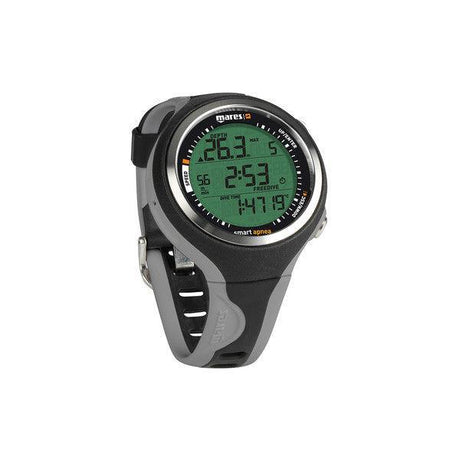
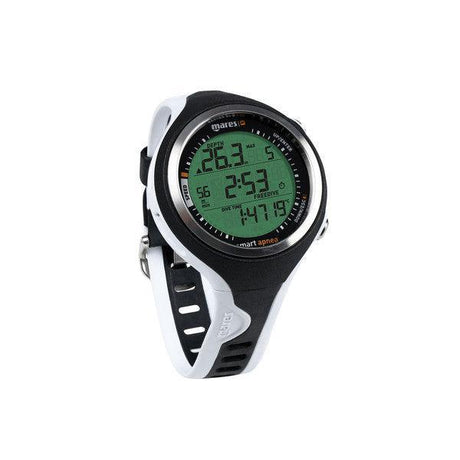
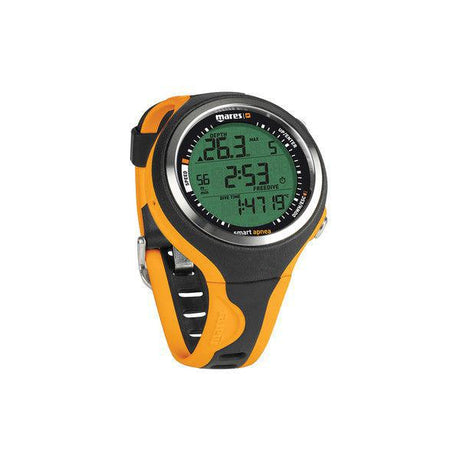
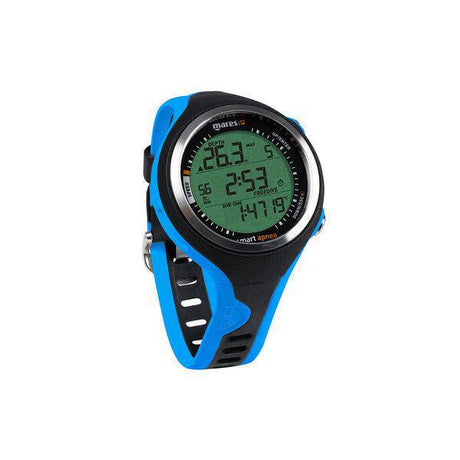


Freediving Computers for Accurate Depth, Time, and Safety Monitoring
Freediving computers provide critical information for free divers, spearfishers, and apnea enthusiasts, offering precise depth tracking, dive time monitoring, and safety guidance. Designed with clear displays, ergonomic controls, and durable construction, these devices enhance underwater awareness, optimize dive performance, and help prevent risks such as blackout or overexertion. Lightweight and compact, freediving computers are essential for both beginner and experienced divers.
Key Features & Benefits of Freediving Computers
- Depth Tracking: Accurately measures current and maximum dive depth for safe and informed diving.
- Dive Time Monitoring: Tracks dive duration and surface intervals to maintain safe apnea practices.
- Safety Alarms: Alerts for depth limits, ascent rates, and time to surface to prevent overexertion.
- Clear Display: Easy-to-read screens for visibility in low-light or deep water conditions.
- Ergonomic Design: Comfortable, wrist-mounted or handheld for ease of use underwater.
- Durable Construction: Water-resistant and impact-resistant materials built to withstand saltwater and pressure.
- Lightweight and Compact: Ideal for travel, apnea training, and spearfishing expeditions.
Usage Tips for Freediving Computers
- Calibrate the computer according to manufacturer instructions before your first dive.
- Check battery levels and replace or recharge as needed to ensure reliability.
- Review dive history and alarms regularly to improve safety and dive planning.
- Wear the computer snugly to maintain accurate depth readings.
- Rinse with fresh water after each dive to remove salt and extend device lifespan.
Compatibility & Selection Guide
- Dive Modes: Choose a computer with freediving-specific modes for apnea tracking versus general scuba use.
- Display Type: Consider large, backlit screens for visibility in low-light underwater conditions.
- Mounting Options: Wrist-mounted or handheld based on personal preference and dive style.
Frequently Asked Questions
Why is a freediving computer important?
It provides real-time information on depth, dive time, and safety limits, helping divers optimize performance and prevent risks like blackout or decompression issues.
Are freediving computers suitable for beginners?
Yes. Many models offer intuitive interfaces and safety alarms that make them ideal for beginners learning apnea diving techniques.
How do I maintain a freediving computer?
Rinse with fresh water after each dive, avoid exposure to extreme heat, and follow manufacturer guidelines for battery replacement or calibration.
Can a freediving computer be used for spearfishing?
Yes. Freediving computers are ideal for spearfishing, providing accurate depth, time, and safety information for multiple dives.
Do freediving computers track multiple dives?
Most models store dive history, including depth, duration, and surface intervals, to help divers plan subsequent dives safely.
What features should I look for in a freediving computer?
Key features include depth and time tracking, safety alarms, ergonomic design, durability, and a clear, easy-to-read display.