
Get up to 10% cashback
with our rewards program

- Sale
-
-


-
-
 Sale
Sale-

-
-
-
- Sale
Oceanic
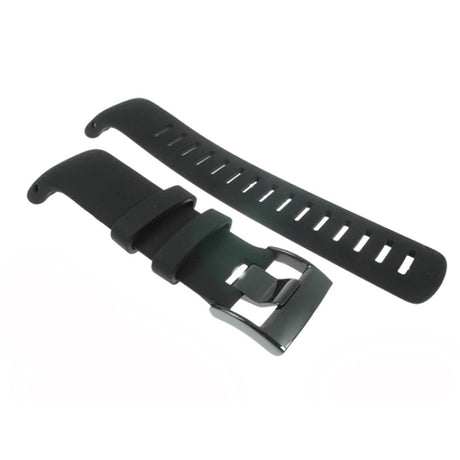
Oceanic GEO 4.0 and GEO Air Dive Computer Strap Set
+5$40.79$52.95Unit price /Unavailable -
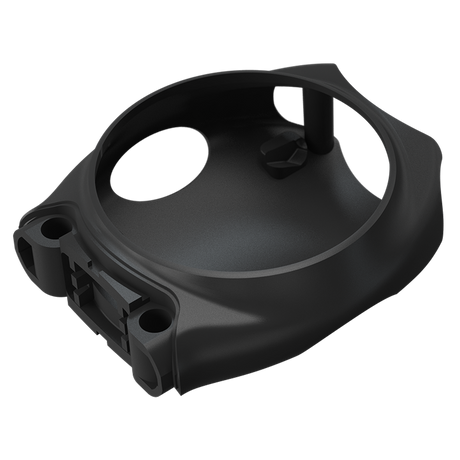
Suunto
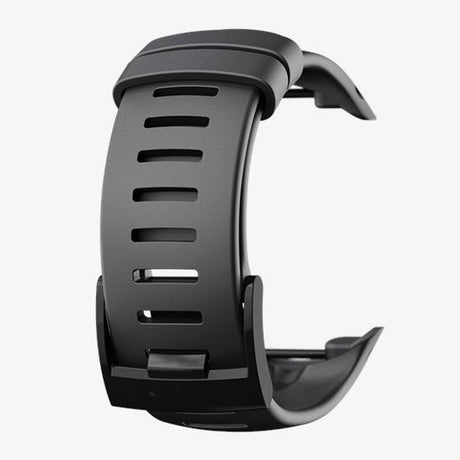
Suunto D5 Dive Computer Quick Release Silicone Extension Strap
+4$59.95Unit price /Unavailable-
-
- Sale
-
-
 Sale
SaleOceanic
Oceanic Oceanlog USB DC Ver 3, Proplus 2. 1, Proplus 3
$76.49$109.15Unit price /Unavailable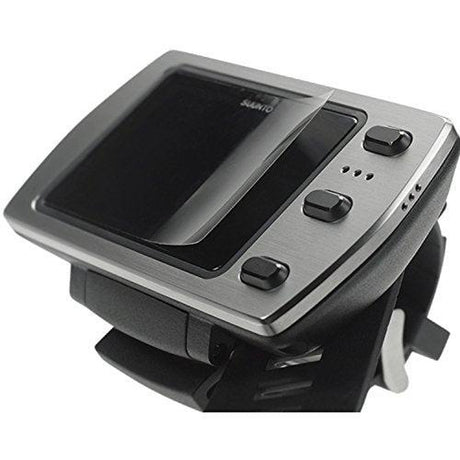
-
- Sale
-
-
 Sale
Sale

 Sale
SaleOceanic
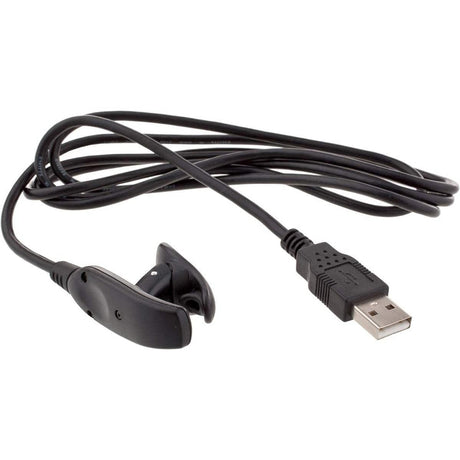
Oceanic Oceanlog Kit Atom and GEO Dive Computer Accessory
$76.49$109.15Unit price /Unavailable
-
 Sale
Sale


 Sale
Sale-
-








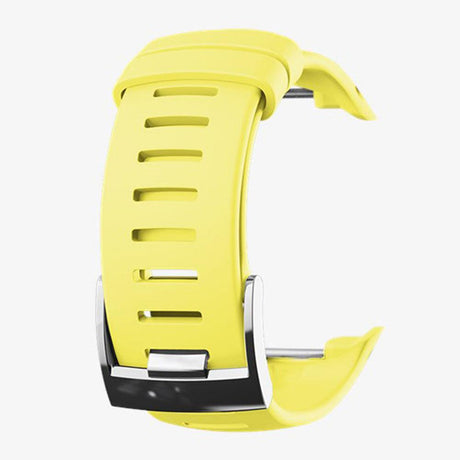


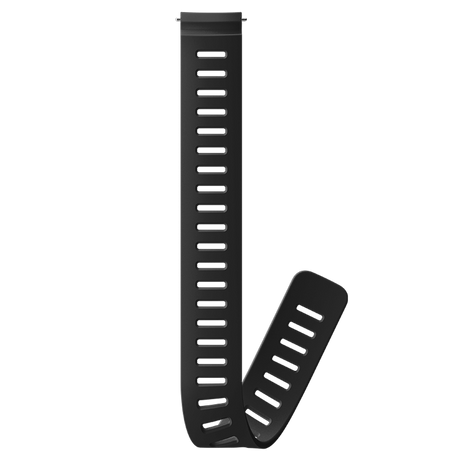


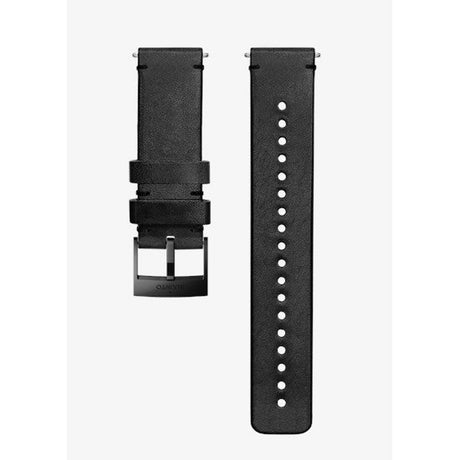


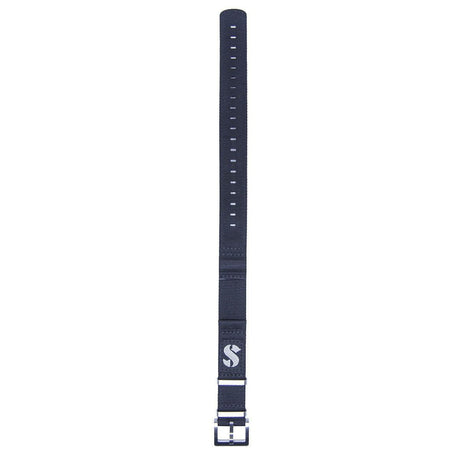


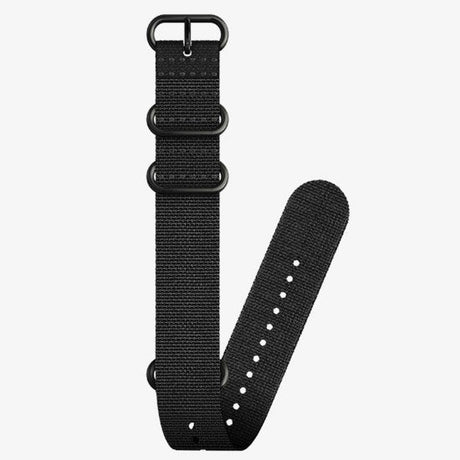

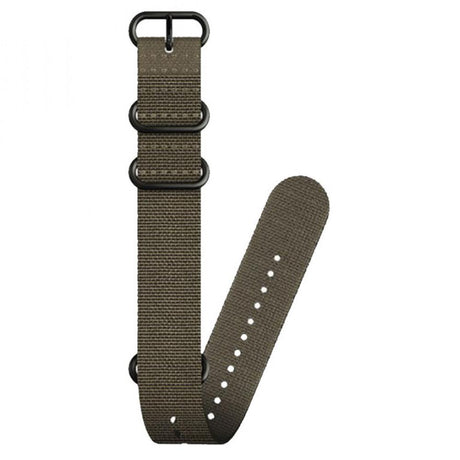
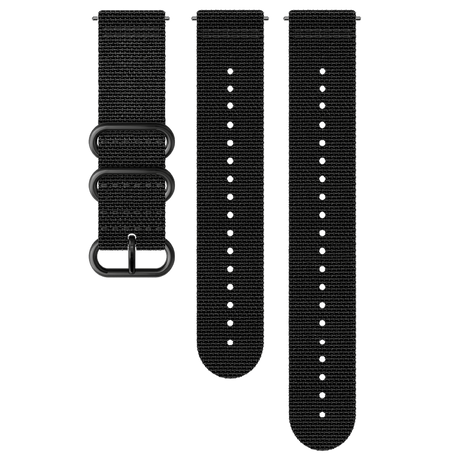
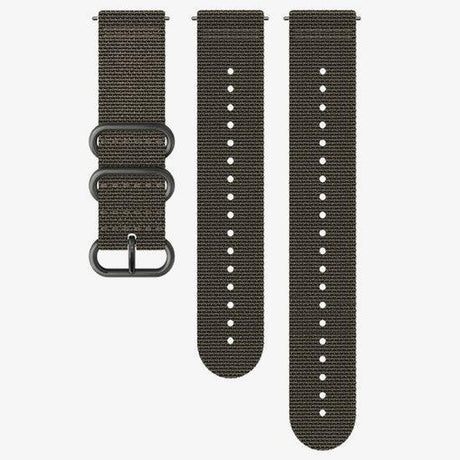
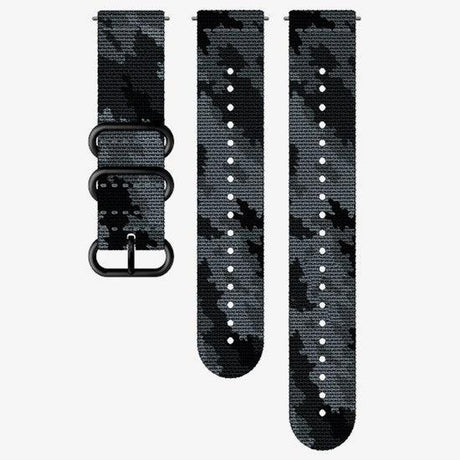

Dive Computers Accessories
Dive computer accessories are essential for maintaining, customizing, and enhancing your diving experience. These accessories help protect your devices, extend their lifespan, and improve usability underwater, ensuring accurate and reliable dive monitoring at all times.
Key Features
- Protective cases and covers to prevent scratches and impact damage
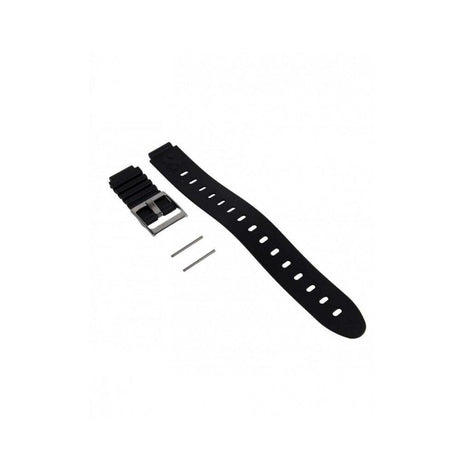
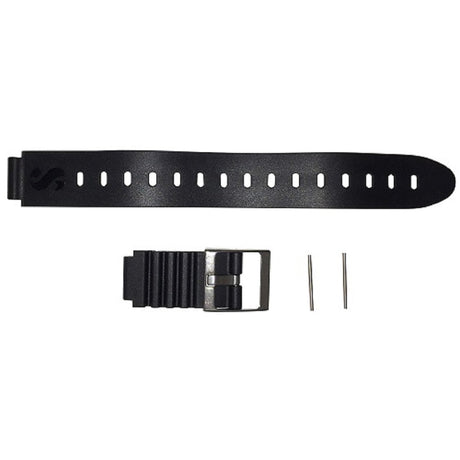
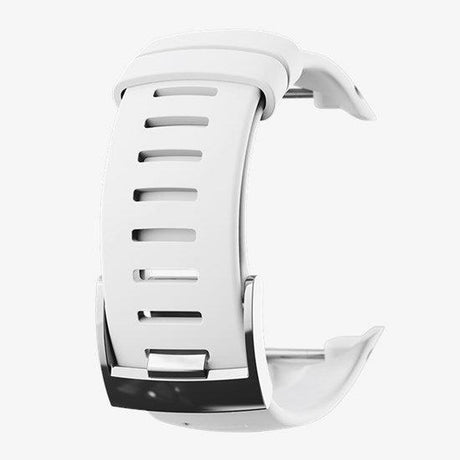
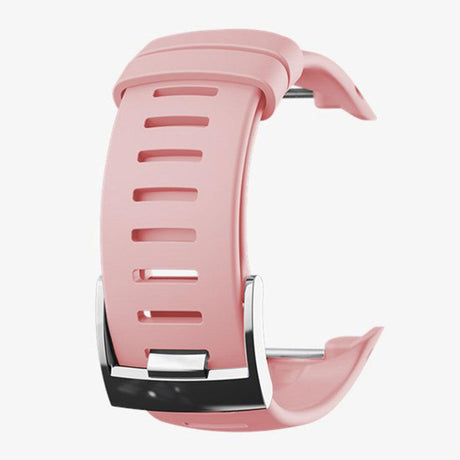
- Replacement straps and wristbands for secure and comfortable fit
- Screen protectors to maintain visibility and prevent scratches
- Battery kits and chargers to ensure reliable power supply
- Mounts and adapters for console, HUD, or wrist computers
- Maintenance kits including O-rings and cleaning tools
Benefits of Using Dive Computer Accessories
- Enhanced durability: Protects devices from wear, saltwater, and accidental impacts.
- Improved comfort: Custom straps and bands provide secure fit during dives.
- Reliable performance: Maintains accurate readings with well-maintained and properly powered devices.
- Convenience: Accessories such as mounts and adapters make dive computers easier to use and view underwater.
Buying Tips
- Compatibility: Ensure accessories match your dive computer model and type (wrist, console, HUD).
- Durability: Choose high-quality materials that resist saltwater and pressure damage.
- Ease of use: Look for accessories that are easy to install, remove, and adjust.
- Maintenance: Regularly inspect and replace worn components for optimal performance.
Maintenance & Care
- Rinse all accessories with fresh water after each saltwater dive.
- Dry completely before storage to prevent corrosion or mold.
- Inspect straps, O-rings, and mounts for signs of wear or damage.
- Replace batteries or protective components as recommended by the manufacturer.
- Store accessories in a cool, dry place when not in use.
Frequently Asked Questions
Why are dive computer accessories important?
Accessories help protect and maintain your dive computer, ensuring accurate readings, extended device lifespan, and comfortable use underwater.
What types of accessories are available for dive computers?
Common accessories include protective cases, replacement straps, screen protectors, batteries and chargers, mounts, adapters, and maintenance kits.
Can accessories improve the performance of my dive computer?
Yes, proper maintenance accessories, secure straps, and protective covers help keep the device functioning accurately and safely.
How often should dive computer accessories be replaced?
Straps, O-rings, and protective components should be inspected regularly and replaced if signs of wear or damage appear, typically every few dives or according to manufacturer guidelines.
Are accessories compatible with all dive computers?
Not all accessories are universal. Always check compatibility with your specific dive computer model and type before purchase.